
Product update / 18 May 2026
Autonomous Research: UNLOCKED
Routines let you give Primer a research task, choose when it should run, and let Primer do the work for you.
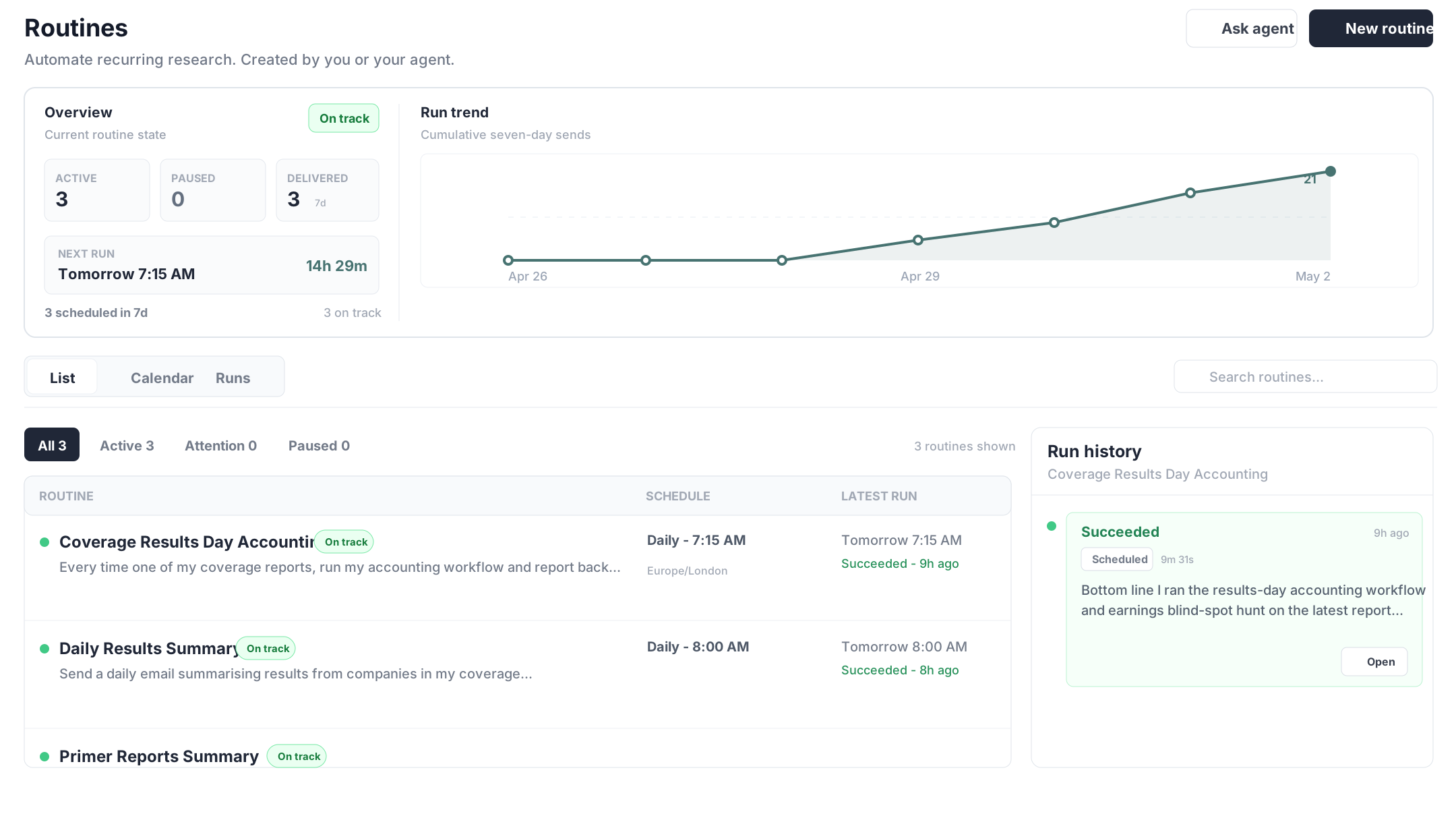
We have added Routines to Primer Studio.
The short version: you can give Primer a research task, choose when it should run, and let Primer do the work for you.
This is a big step towards Primer becoming the agent that can do research on your behalf around the clock.
How it works
1. Navigate to Routines in the left-hand panel
Open Routines from the left-hand panel in Studio.

2. Describe what you want Primer to do
You can ask Primer to run any research workflow.
Highlight any relevant new news on X company, including peer reporting or online news.
Every time a company in my coverage reports, check the announcement for anything people might miss and flag any changes in accounting red flags.
Push on the key debates on all the companies in my coverage and do whatever work is needed to find an angle which is a potential differentiated view from the market.
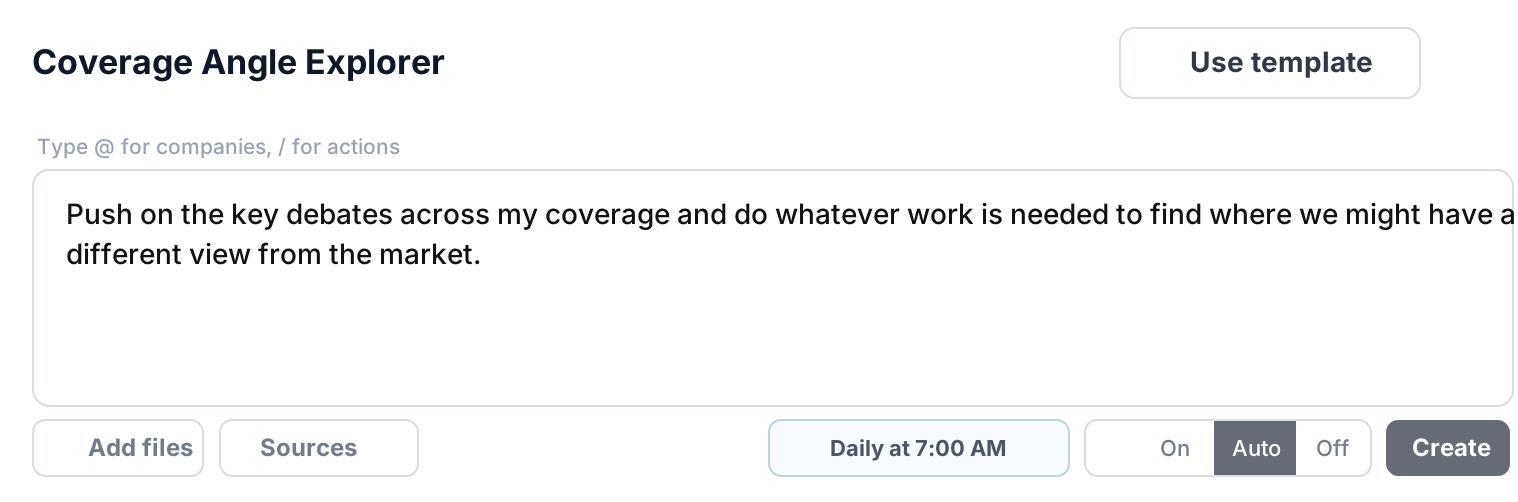
3. Set how often you want it to run
Choose the schedule that fits the job.
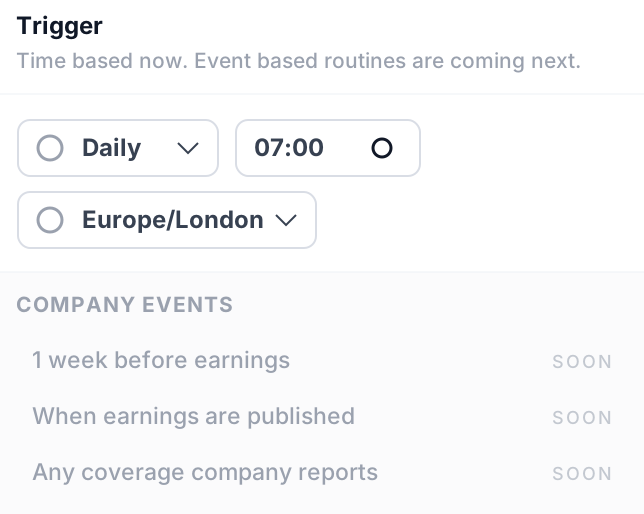
4. Choose how Primer reports back
- On - email after every run
- Auto - only email when Primer thinks there is a real update
- Off - keep updates inside Studio

Why this matters
Most tools only work when you ask them something.
Routines let Primer keep doing research work for you on a schedule.
That means less checking, less remembering, and more work being done without you needing to start from scratch each time.
This is the first version of where Primer is going: an agent that can keep working across your coverage, not just answer questions when you log in.
What changed
We added Routines to Studio. Primer can now run recurring research workflows on a schedule.
Why it matters
Primer can keep working across your coverage without waiting for you to log in and start every task manually.